
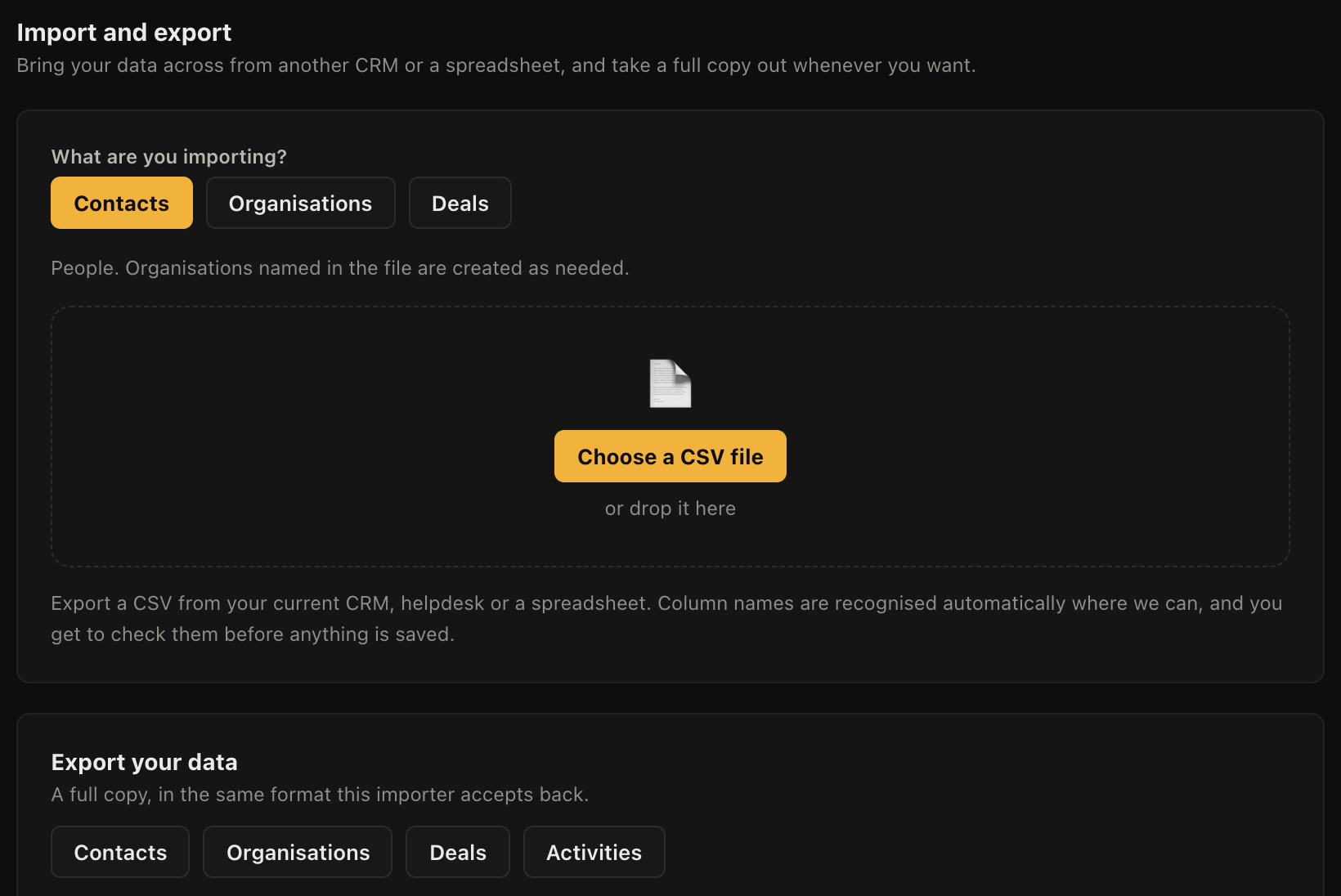
Open Settings, then Import and export. Upload a CSV and you get column mapping and a preview before anything is written, so you can see exactly what will land where.
How to do it
- Export a CSV from whatever you use now. Almost everything can produce one.
- Go to Settings, then Import and export, and choose what you are importing: Contacts, Organisations or Deals.
- Upload the file. The columns are matched to fields automatically, and it is usually close.
- Check the mapping. Anything it could not place is left unmapped rather than guessed at.
- Look at the preview. It shows real rows from your file as they will be created.
- Import.
Order, and what gets created for you
Contacts and deals both create the organisations they mention if those do not exist yet, and deals link themselves to the contact named in the row. So a single deals file can populate all three.
Where you have a proper company list with addresses and phone numbers, import Organisations first anyway. Records created as a side effect of another import have only the name that was in that file, and filling the rest in afterwards is the slow way round.
What comes across well, and what does not
Contact details, company records and deal history import cleanly, including won and lost history, so your reporting carries on where it left off rather than starting from zero.
Correspondence usually does not come across cleanly from a mailbox. Most businesses start fresh on emails and let the record build from the switch date, which takes a couple of weeks to feel normal and is rarely worth fighting.
Duplicates
Importing the same file twice creates the records twice. There is no undo on an import, so if it goes badly wrong the fix is to find the batch and delete it, which is why the ten-row rehearsal is worth the five minutes.
Getting it back out
Export works the same way and is always available, at any time, without asking us. Nothing about the way this is built assumes you are staying. See Exporting everything.