Every deal on a board, every contact with their full history, and a next step on everything. When a deal goes quiet, Result Studio tells you before the customer does.
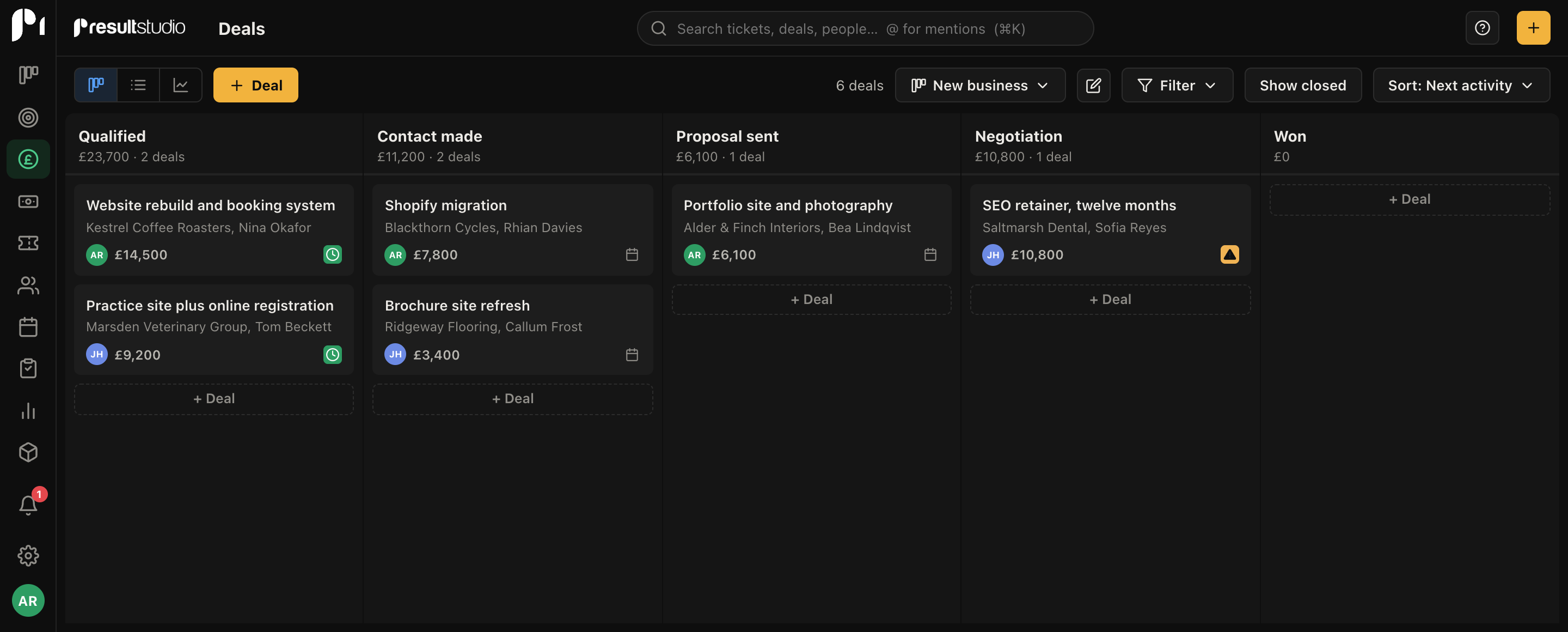
Build as many pipelines as your business needs: one for new work, one for renewals, one for that event you run every summer. Each stage carries its own win probability, so the board doubles as a forecast.
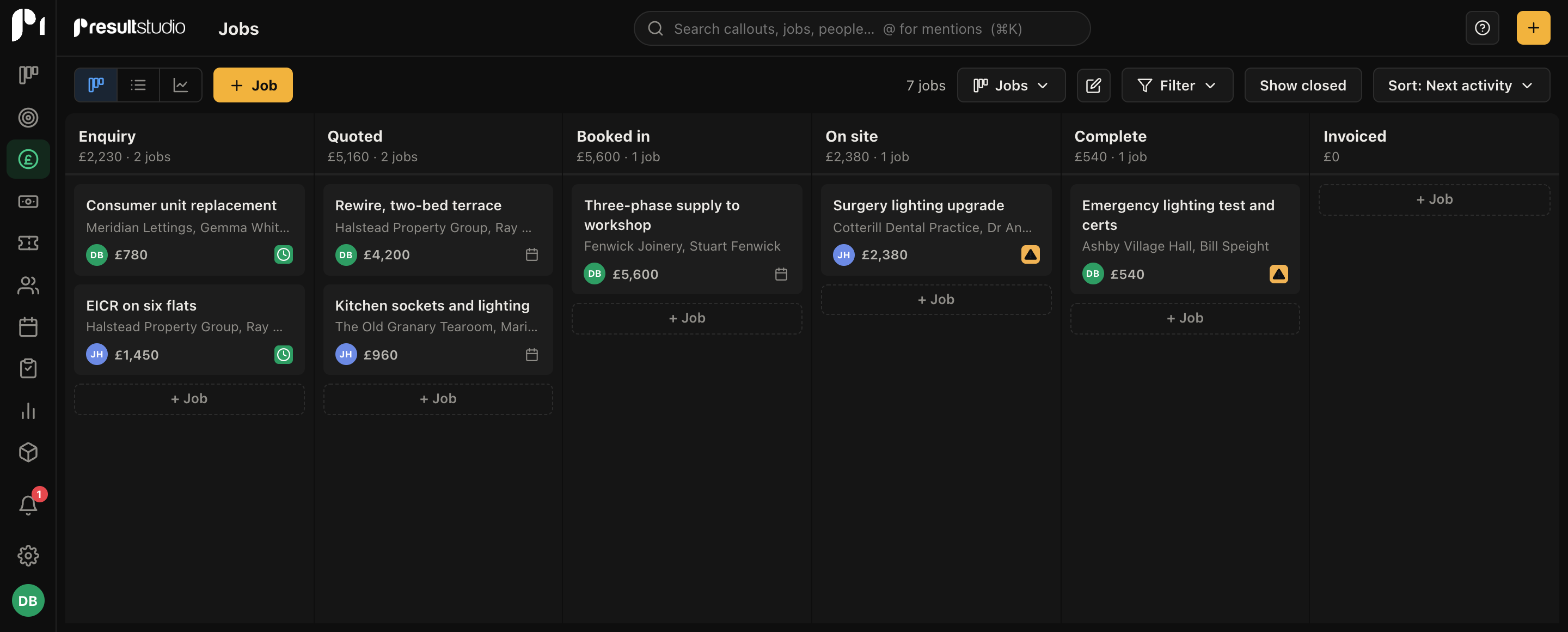
People and companies carry every deal, ticket, email, note and file that touches them. Custom fields hold whatever your business needs to remember, and labels keep lists sortable.
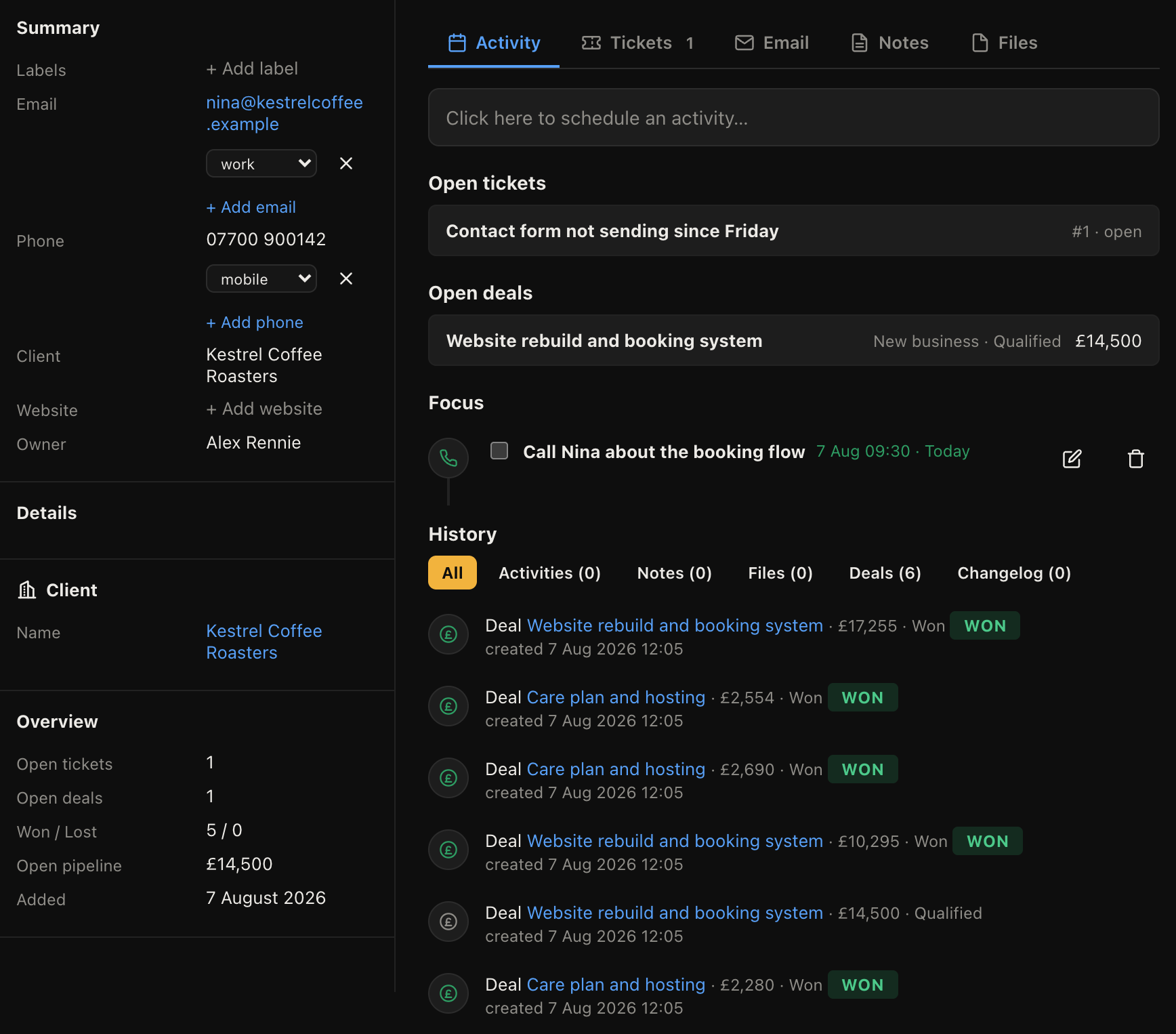
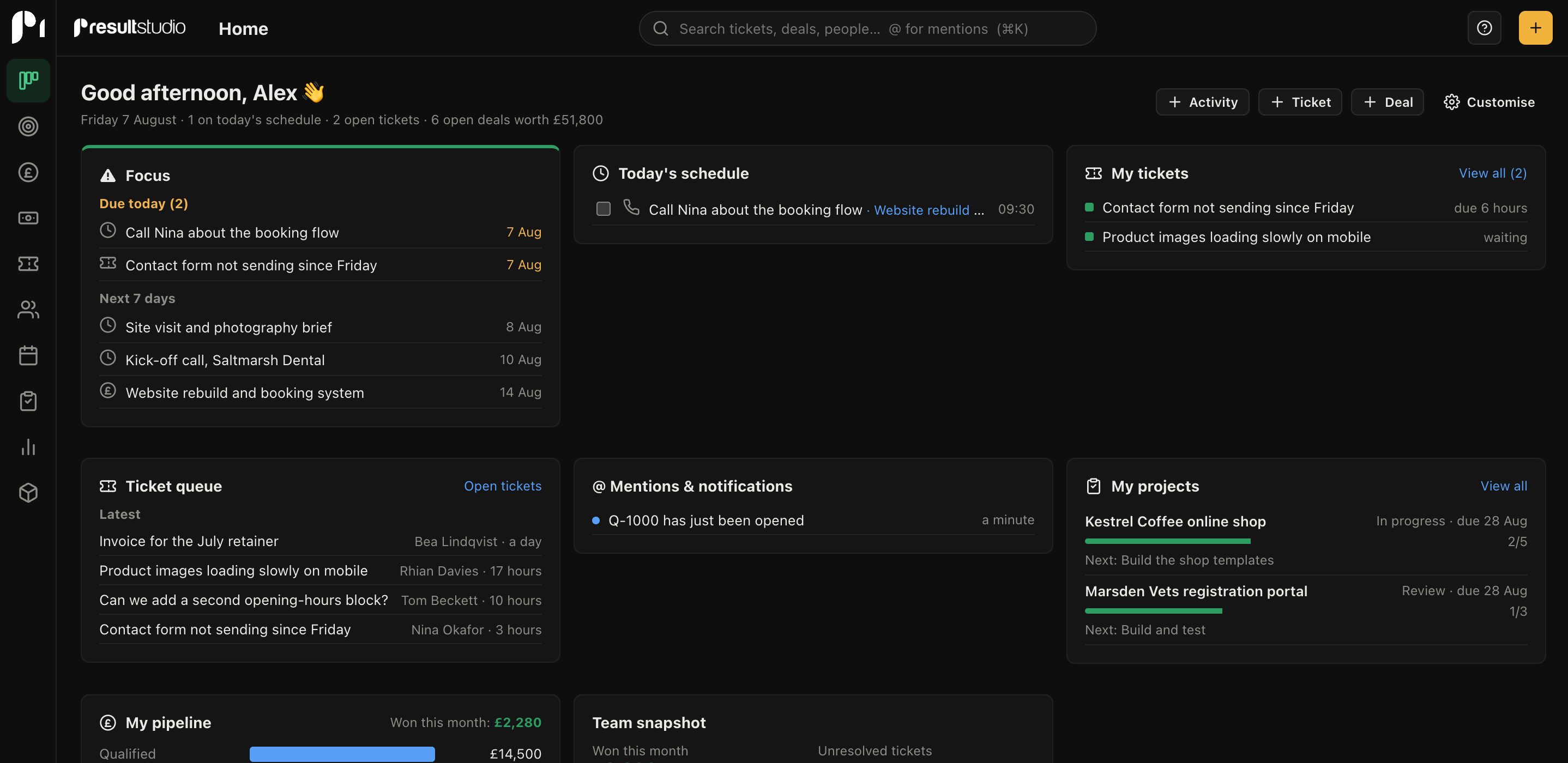
Calls, meetings, tasks and deadlines sit on a calendar that syncs both ways with Google Calendar. The home screen opens on what's due today, so the day starts with a plan rather than a scroll.
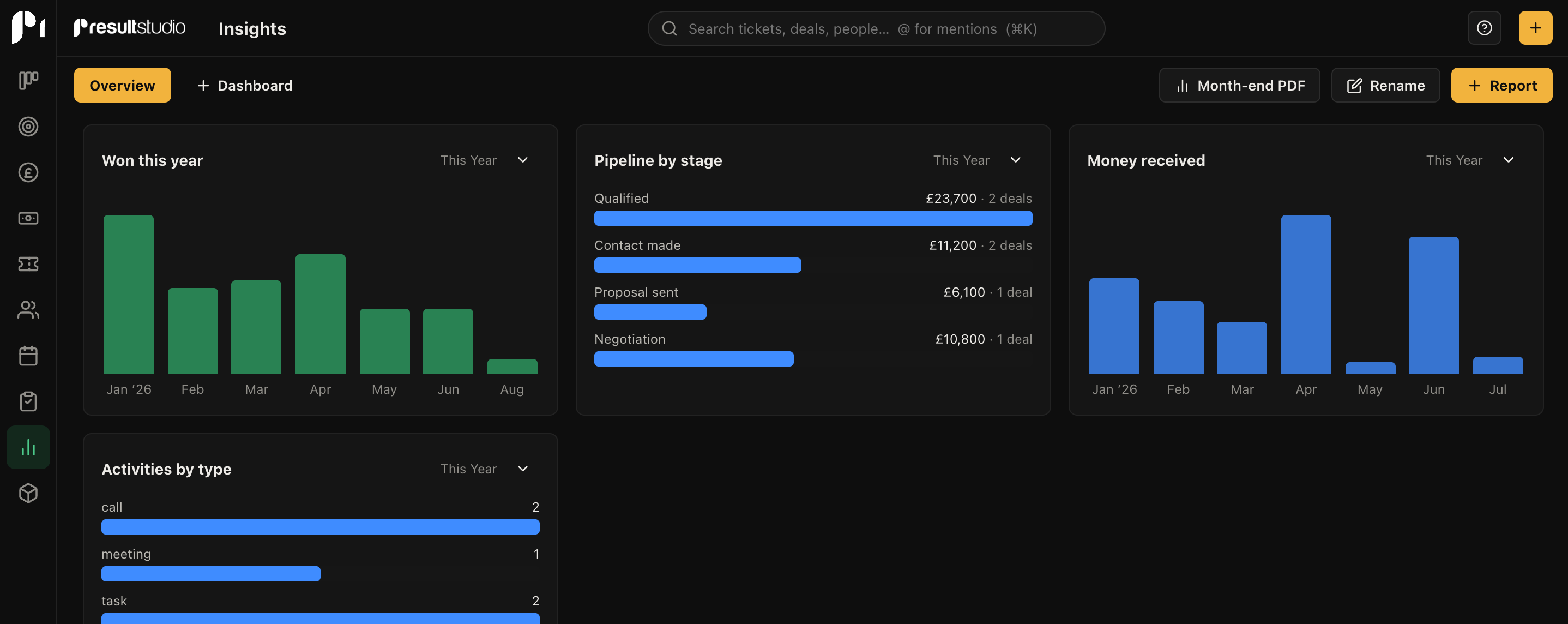
A forecast view shows what should land and when, weighted by stage. The report builder turns deals, activities and tickets into charts you arrange on your own dashboards. Financial figures stay hidden from team members you haven't given access.
Yes. Export your deals, contacts and companies as CSV from whatever you use now, then import them with column mapping and a preview. We did exactly this with our own agency's records, including the full won and lost history, so reporting carried on where it left off.
As many as you like, each with its own stages, probabilities and rotting rules. Our own workspace runs separate pipelines for websites, hosting, marketing and small tasks.
Two ways. Write from the contact or deal record and the message sends with your name and address on it. Or keep using Outlook or Gmail and Bcc your personal dropbox address; the email files itself against the right contact and deal automatically.
Yes. Permission sets control who sees financial figures, who can delete deals, and who sees other people's records at all. Reports and forecasts respect the same rules.
Create a workspace, import your deals, and know what's really in the pipe by this afternoon.
