Email in becomes a ticket with an SLA timer. Replies go back from your own address. And every customer gets a page where they can see their request, add to it, and stop wondering whether you got it.
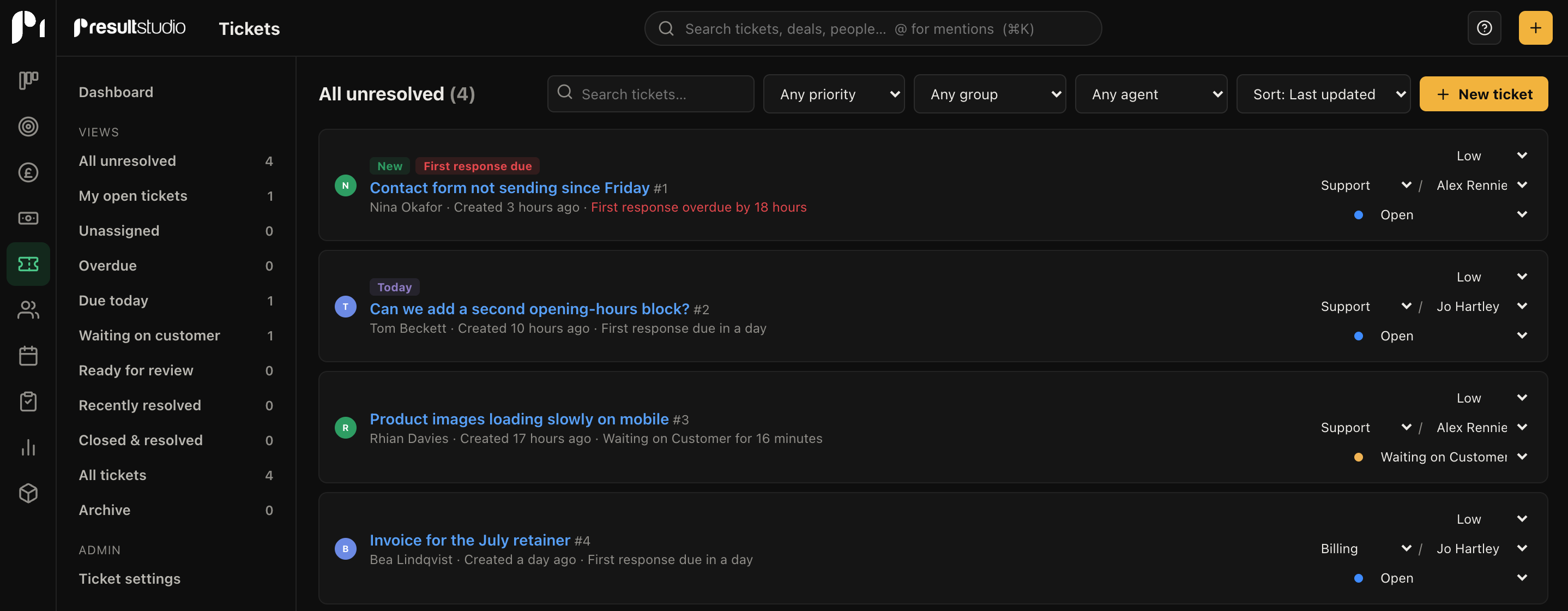
Your workspace gets its own address. Forward support@ to it and mail becomes tickets: threading, attachments and duplicates all handled. No mailbox passwords, no IT project, and it works with any email provider that can forward.
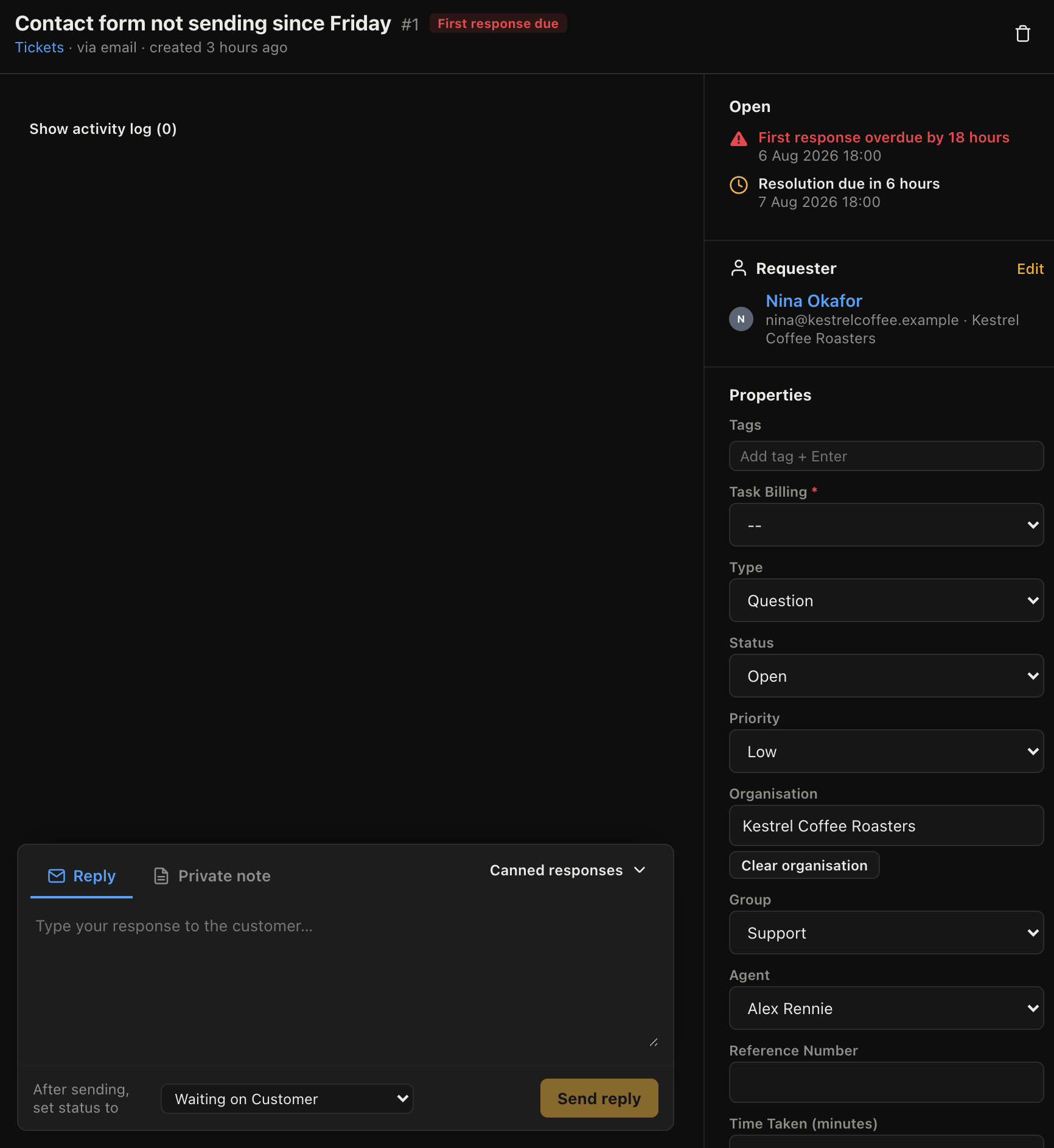
Every ticket carries first-response and resolution targets based on its priority. Views split the queue the way support teams actually think: unassigned, overdue, due today, waiting on the customer. The urgent stuff cannot hide.
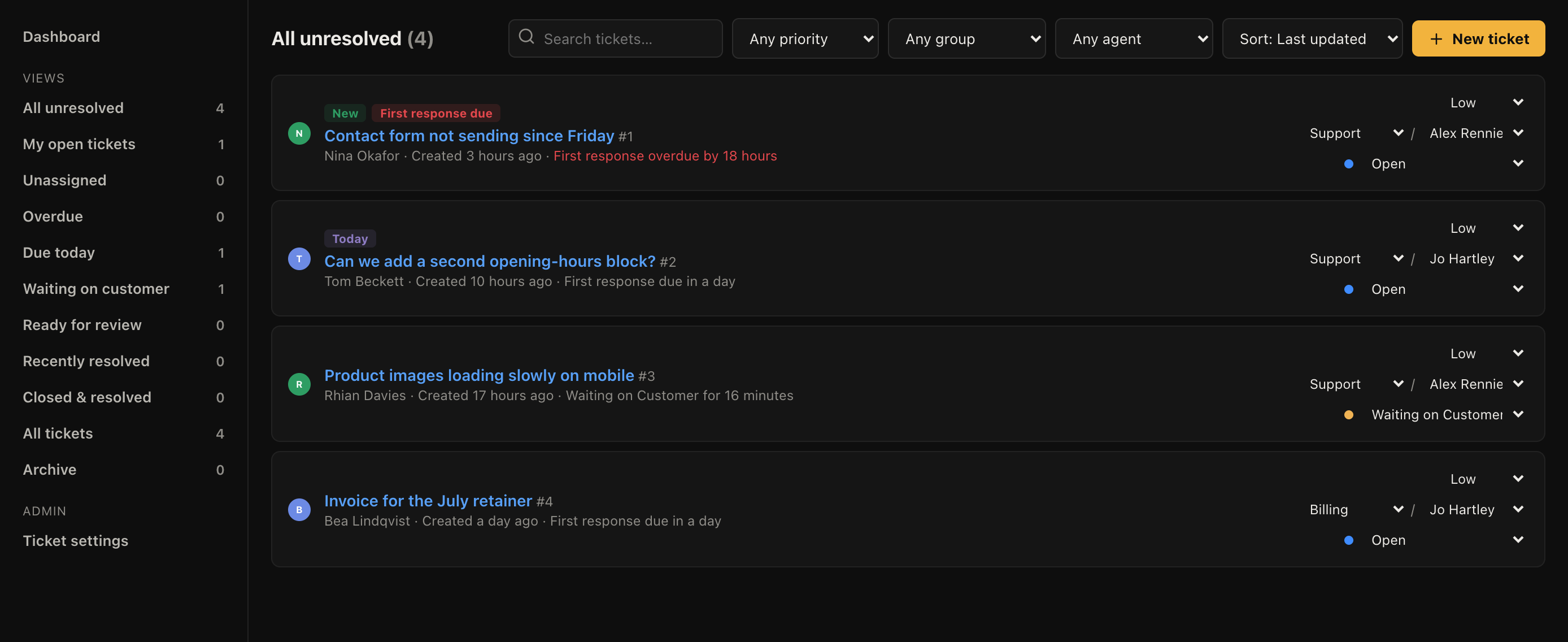
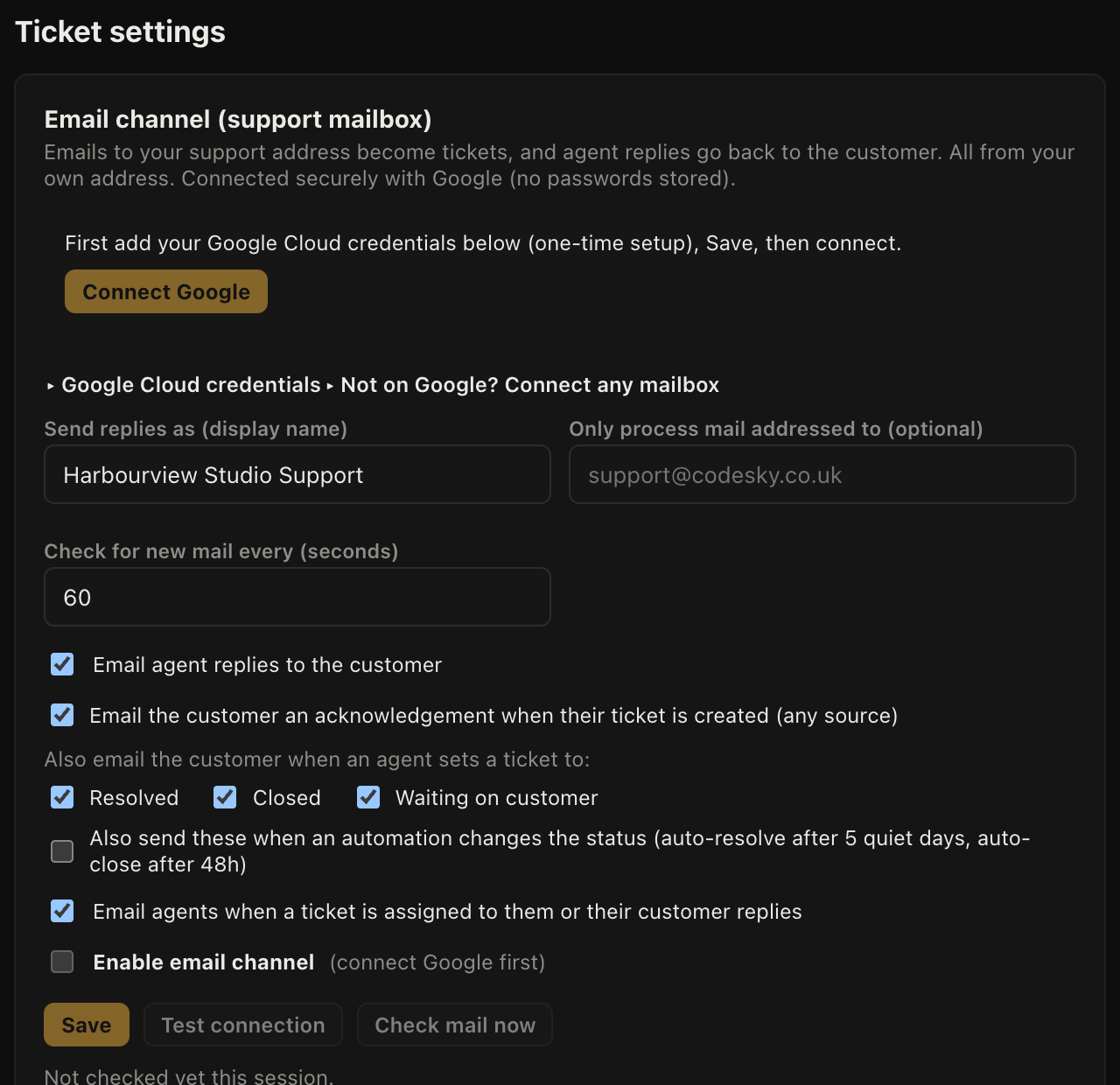
Route new tickets by group, assign them to the right person, nudge quiet ones towards resolved, and close resolved ones after a couple of days of silence. You decide which emails customers get at each step, down to individual status changes.
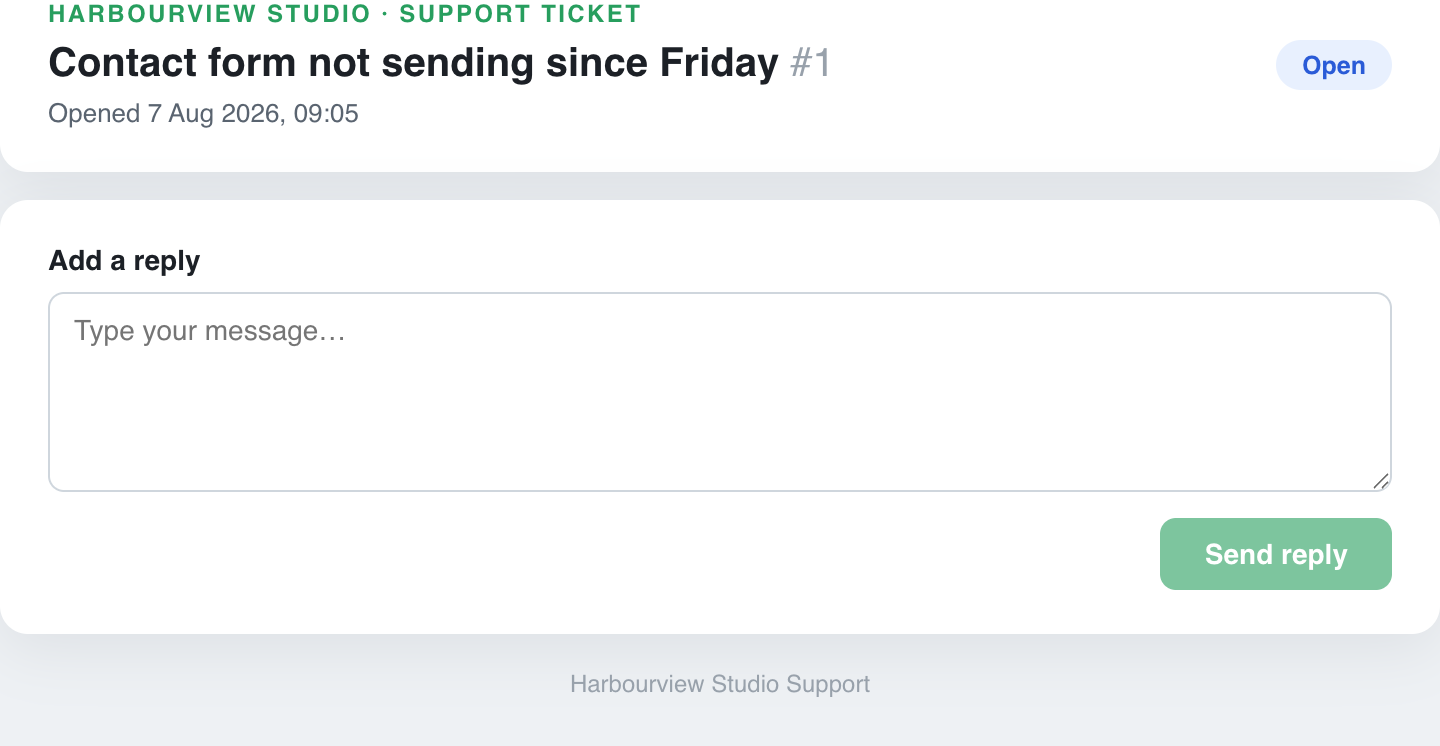
Every ticket has a public page where the customer can read the thread and reply, no login needed. It cuts the "did you get my email?" follow-ups, which are the tickets nobody enjoys.
No. The forwarding route needs no credentials at all: you set a rule on the mailbox you already run, and that's the whole setup. Connecting a mailbox directly is there if you want replies sent through your own provider, with Google OAuth or an app password on any IMAP host.
We moved 1,479 tickets of our own history off our previous helpdesk into Result Studio, preserved as a searchable archive. The importer that did it ships with the product. Bring an XML or CSV export and your history comes with you.
Tickets carry an assignee, and everyone can see who that is before they type. Internal notes let the team talk behind the scenes without the customer seeing, which is where "are you taking this one?" belongs.
No. They reply to the email like normal, or use their ticket page link. Both routes thread into the same conversation.
Forward one address and watch the backlog turn into an ordered list with names and deadlines on it.
