
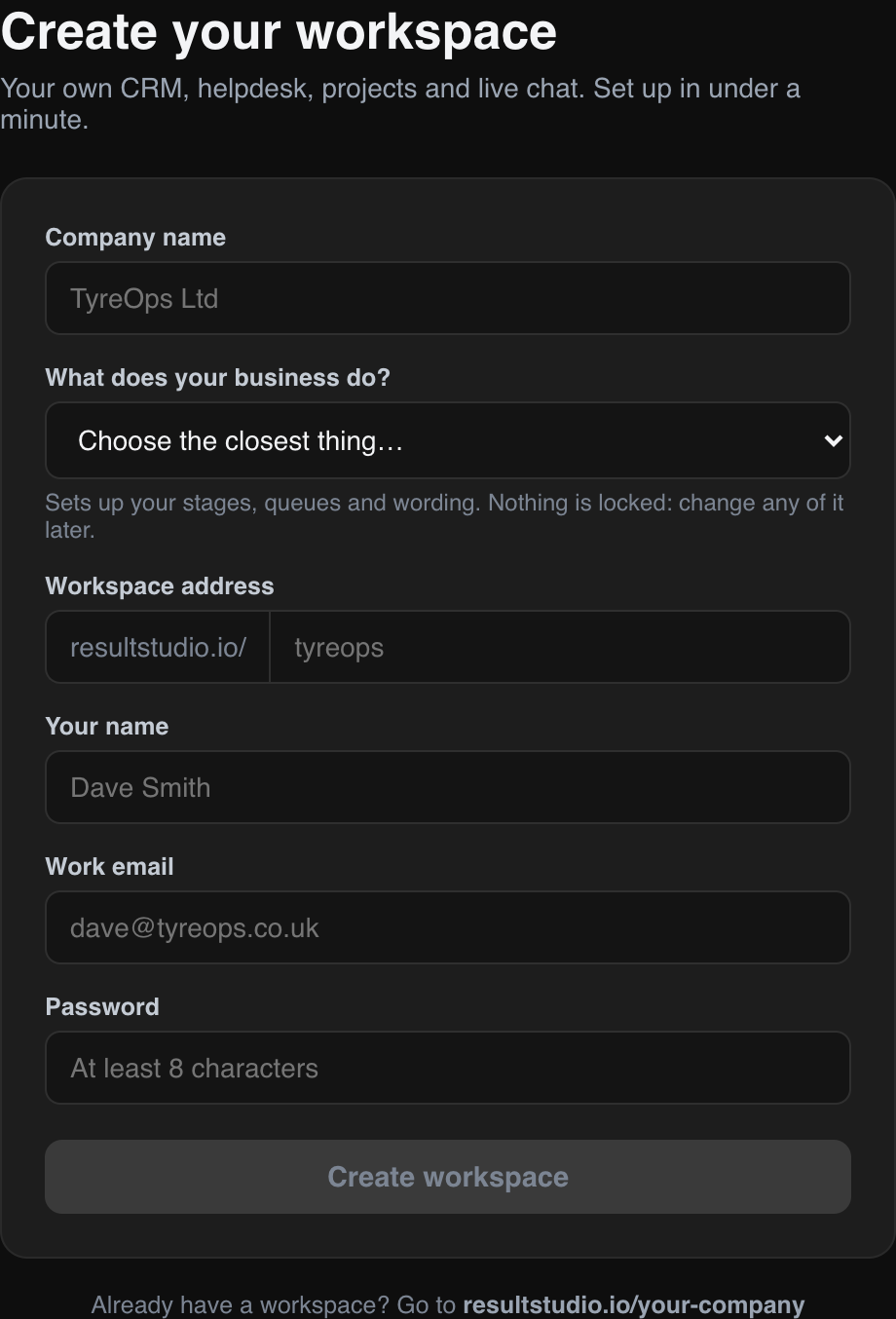
Signing up takes about a minute. You give a company name, say what your business does, choose a web address and set a password.
Why we ask what your business does
That one question decides what your workspace contains on day one.
An electrician gets a board reading Enquiry, Quoted, Booked in, On site, Complete and Invoiced, with Estimates rather than Proposals and Callouts rather than Tickets. A solicitor gets Matters and Clients. There are around a hundred business types across ten setups, and each one arrives with its own stages, queues, labels and wording already in place.
None of it is locked. Every stage, queue, label and word can be changed afterwards. The point of the question is that you should not have to delete somebody else's sales funnel before the product makes sense.
Your workspace address
Your workspace lives at resultstudio.io followed by the address you chose, so a company called Harbour View Joinery ends up at resultstudio.io/harbourview.
Everyone at your company signs in there. That address is part of how we keep each company's data completely separate: every workspace has its own database, and nothing is shared between them.
We email the address to you as well, so bookmark it or find it in your inbox. If you lose it, the sign-in page has a "find my workspace" box that looks it up from your email address.
The setup checklist
A new workspace opens with a short checklist on the Home screen covering the handful of things worth doing first: inviting your team, checking your board, and bringing your data across. You can dismiss it at any point and it will not come back.
Sample data is optional and clearly marked. If you turned it on to have a look around, there is a button on the same checklist to clear it out before you start entering anything real.