
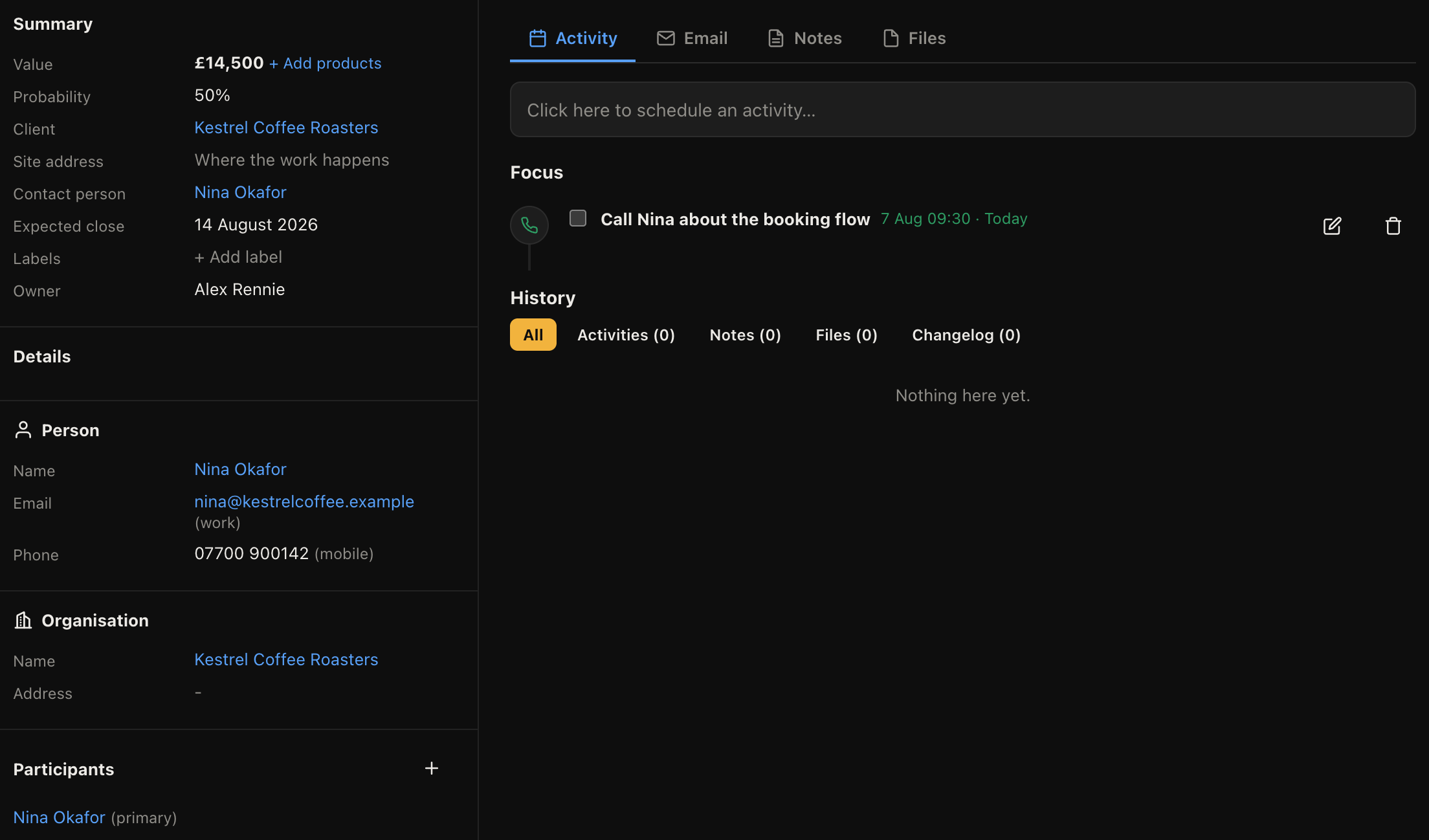
Click any card to open its record. The layout is the same everywhere in the product: details down the left, the work itself down the middle.
The stage bar
Across the top is every stage in the pipeline, with the current one marked. Click a stage to move the deal there without going back to the board.
The two buttons beside it close the deal as won or lost.
The sidebar
Value, expected close date, owner, label, organisation, contact and any custom fields your admin has added. Click a value to edit it in place, and the change saves as you leave the field.
Everything here is also recorded in the change history, so "who dropped the price" always has an answer.
The tabs
| Tab | What it holds |
|---|---|
| Activity | Everything scheduled and everything done, newest first, plus the full change history |
| Correspondence with this customer, if the email channel is connected | |
| Notes | Anything typed by hand: call notes, decisions, awkward details |
| Files | Attachments. Drag them straight onto the panel |
Notes are worth the thirty seconds
The Activity tab records what the system knows. Notes are where you put what only you know: that they are waiting on their own customer, that the decision maker is on holiday until the ninth, that they were burned by their last supplier.
That context is what makes a colleague able to pick up your deal while you are away, and it is the single biggest difference between a CRM that helps and one that is just a list.
You can mention a colleague in a note with an @, which notifies them and puts it in their bell.
Scheduling the next step
The Activity tab is where you book the next call, meeting or piece of work. Do it before you leave the record. It takes a few seconds and it is what stops the deal sliding.